Pick a video and the subtitles create themselves, perfectly synced. Fast, easy and accurate.
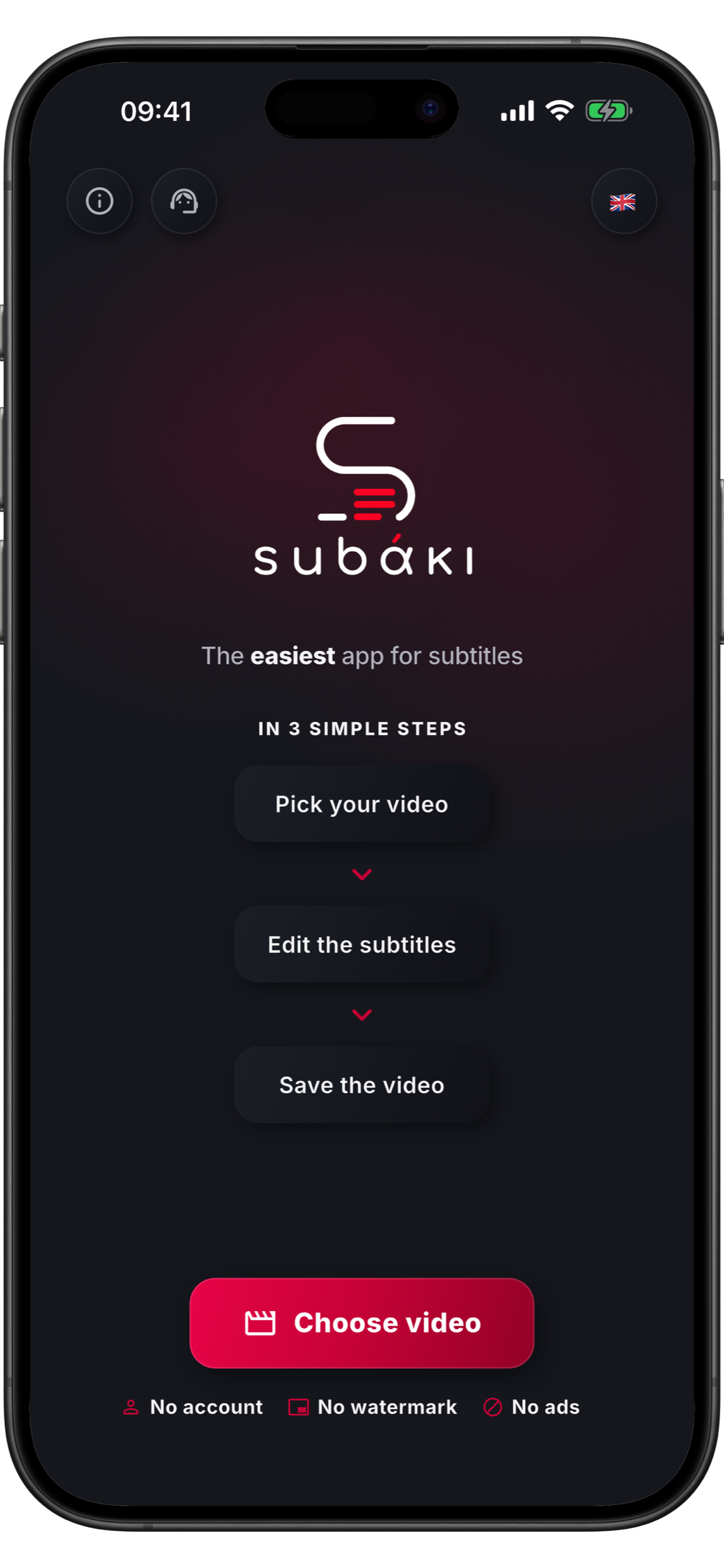
From choosing the video to the finished result, all with just a few taps.
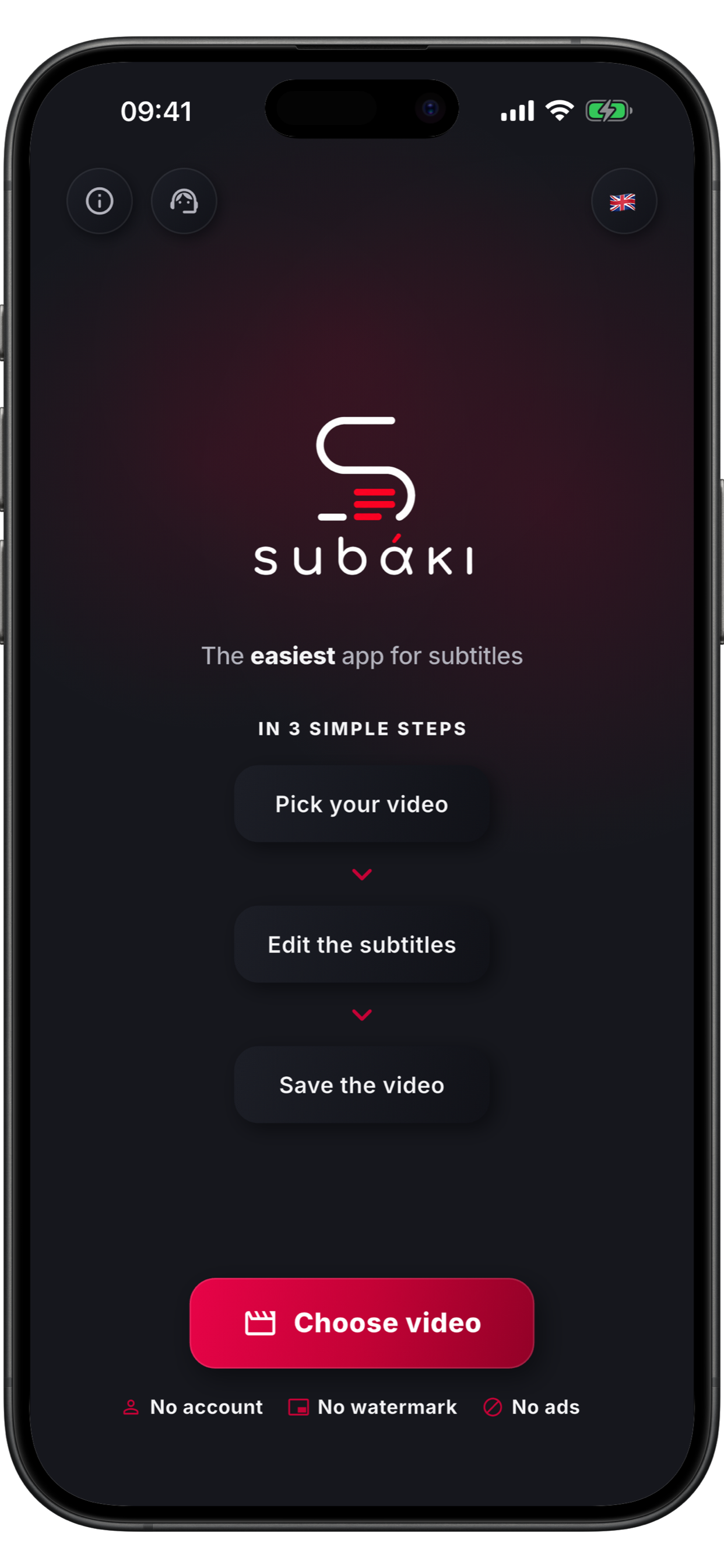
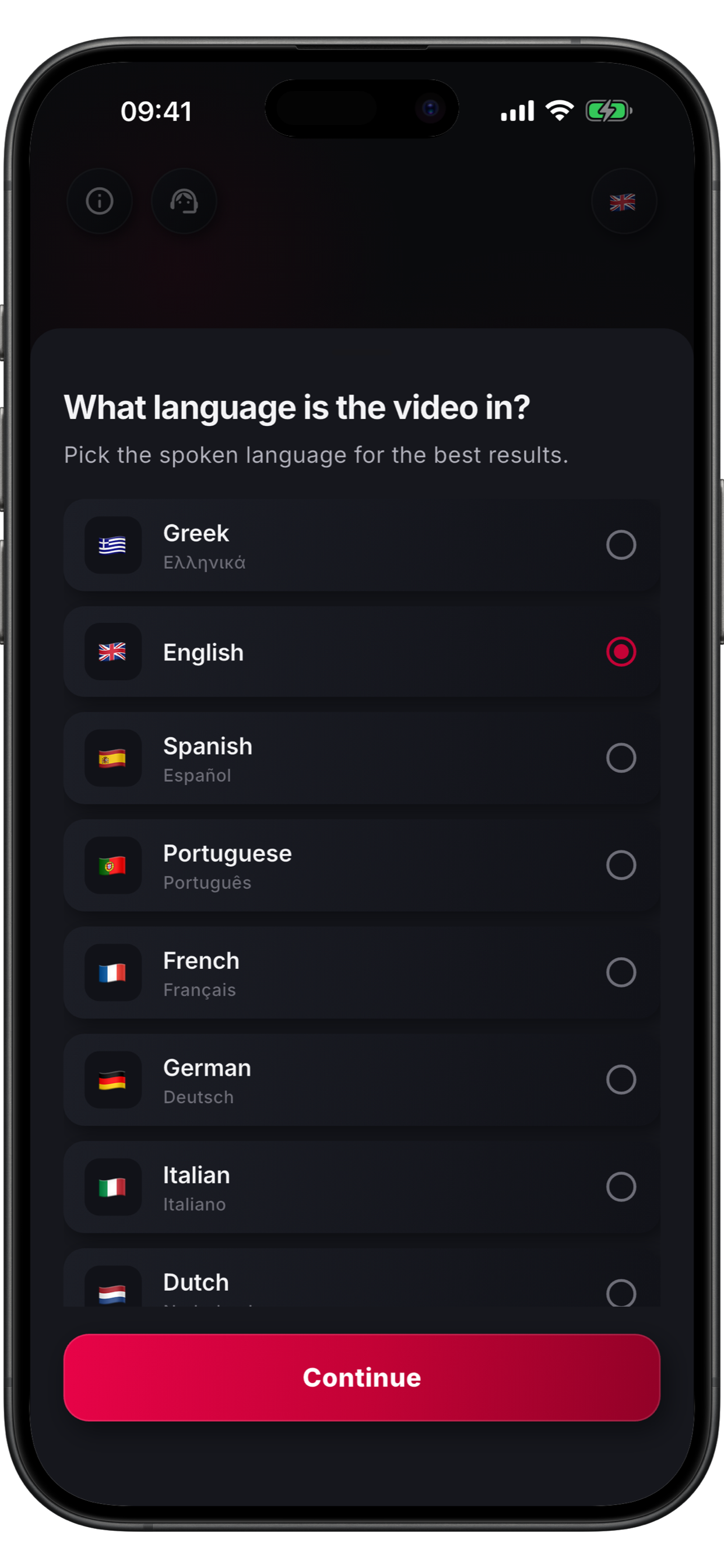
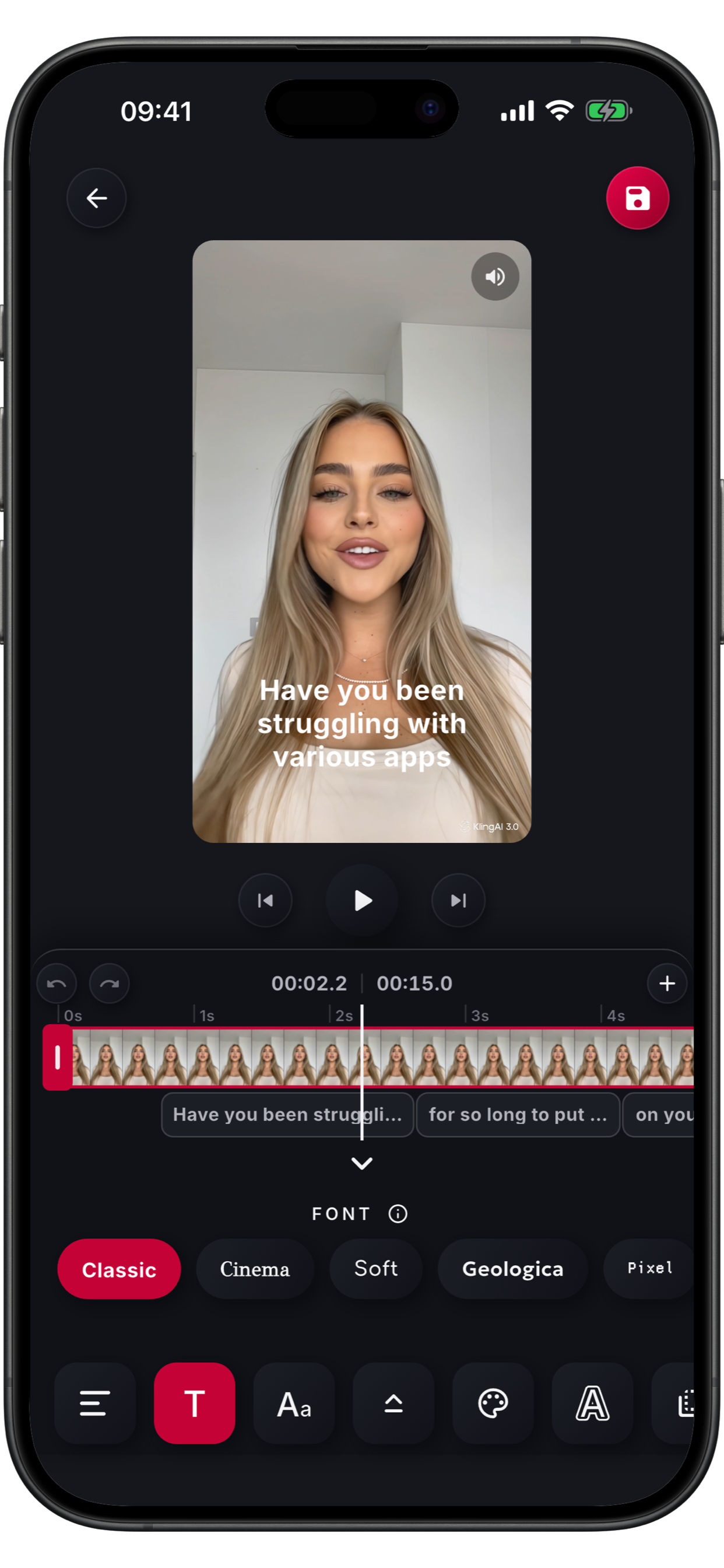
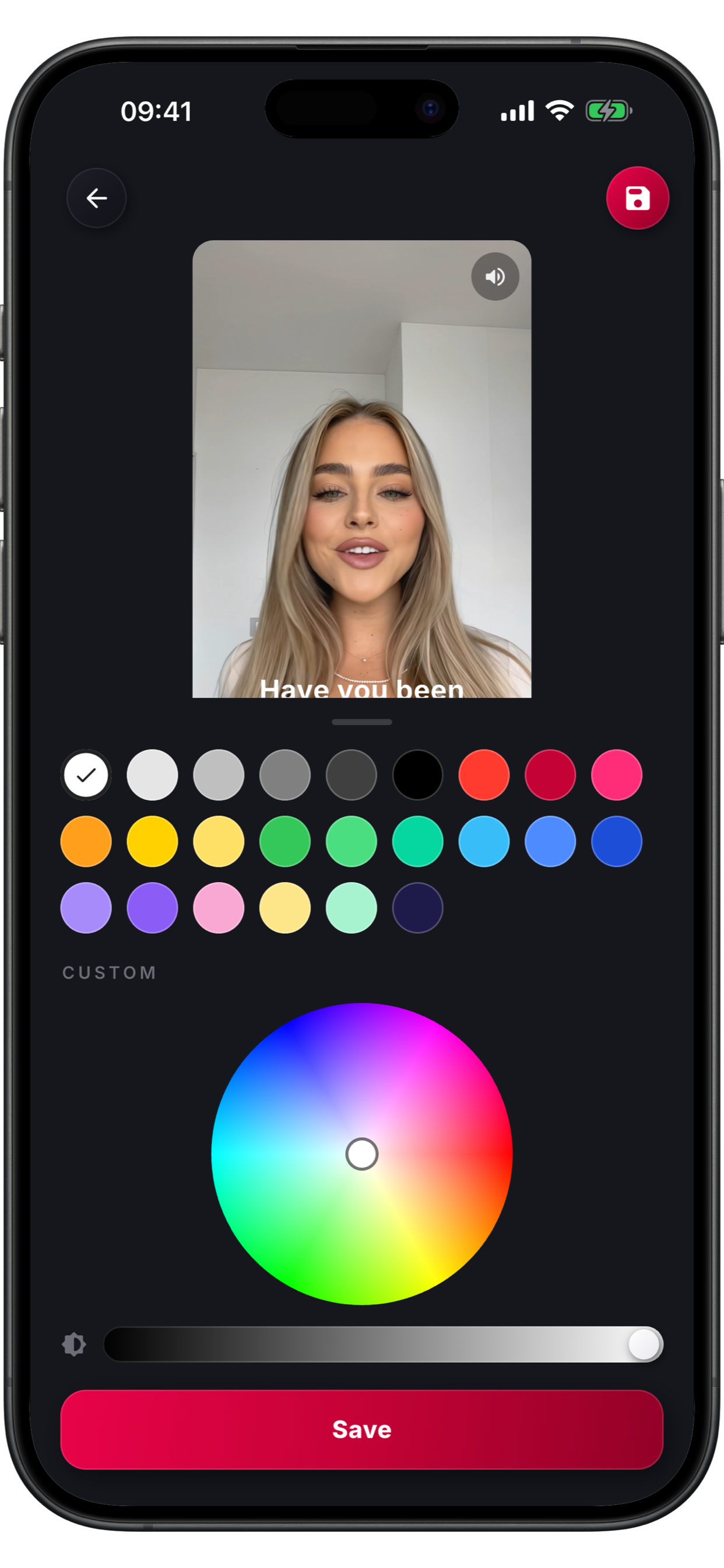
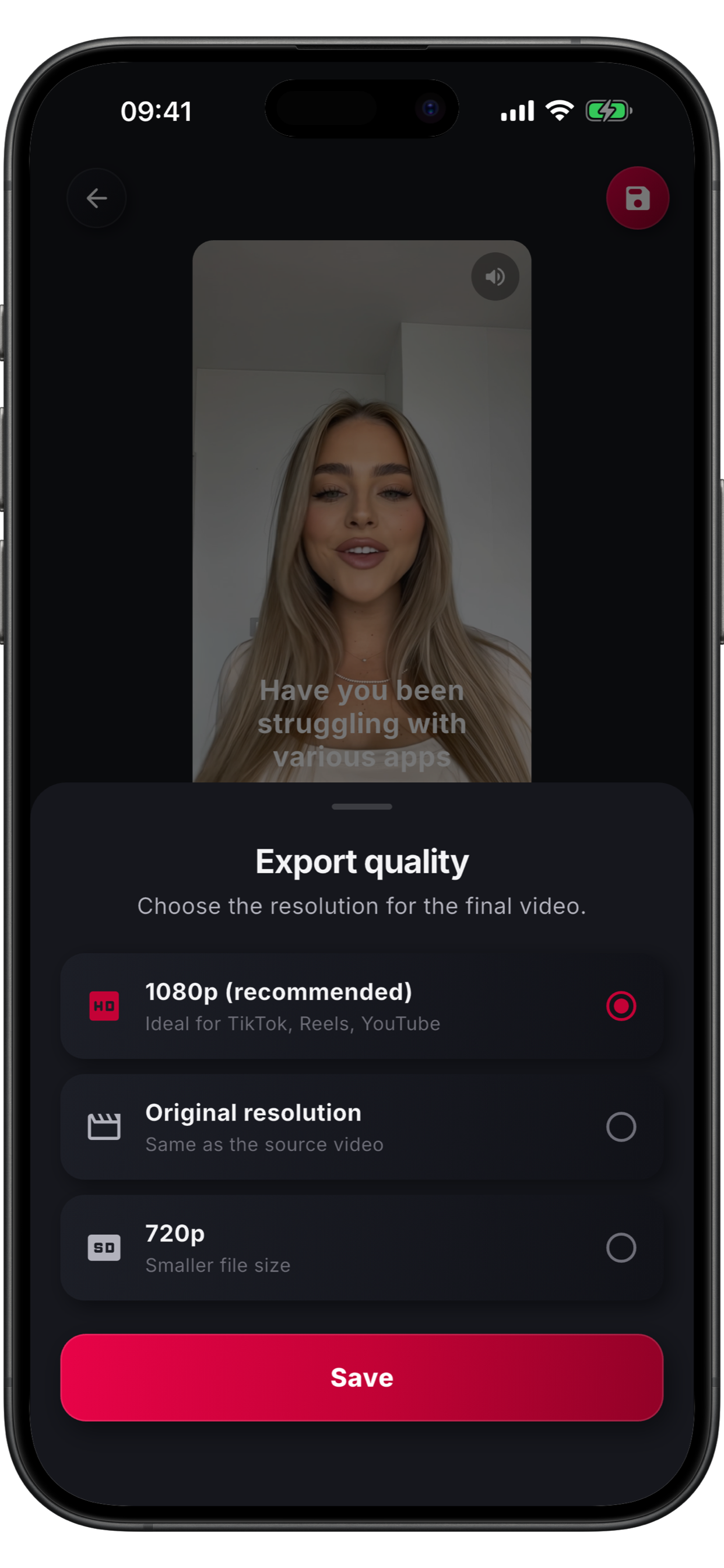
Swipe sideways to see all screens
Built to be simple, fast, and respectful of your privacy.
Subaki recognizes what is said and turns it into text, word by word, in sync with the voice.
Every word appears exactly when it is spoken, thanks to state-of-the-art recognition.
Fonts, colors, size, position, outline and karaoke effect. Make them exactly the way you want.
Save the video with the subtitles permanently embedded, ready for TikTok, Instagram, anywhere.
Greek, English, Spanish, Portuguese, French, German, Italian and Dutch, including names, cities and popular brands.
No sign-up, no ads, no tracking.
From your phone's gallery.
The subtitles are generated.
Style, colors, fixes.
Ready for any platform.
No. Download the app and start right away, no sign-up or login required.
Up to 10 minutes per video.
Never. Only the audio is processed, securely, to create the subtitles.
8 languages: Greek, English, Spanish, Portuguese, French, German, Italian and Dutch.
Ναι, 100% δωρεάν, χωρίς λογαριασμό και χωρίς κρυφές χρεώσεις.
Your first 3 videos are free. After that, it is $11.99 per year.
Yes, but only for a few seconds, right after you pick a video, while the subtitles are created. Editing and saving happen locally, without a connection.
No. It is so easy that even a small child could use it!